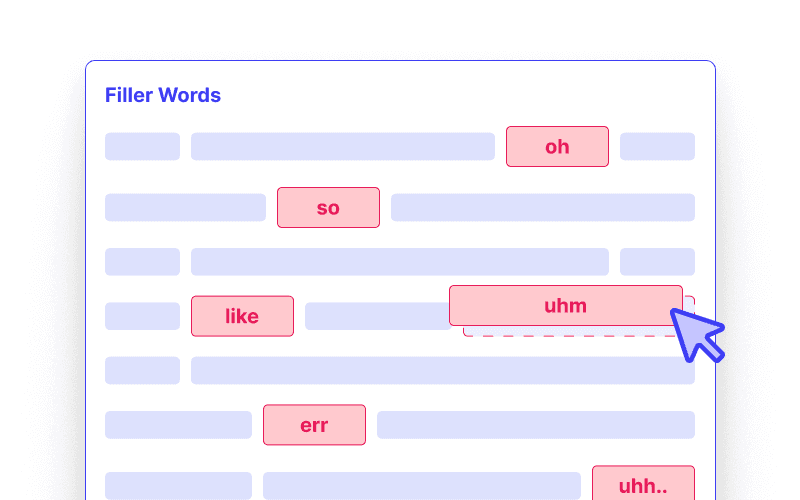
Уклањач филер речи
AI уклоњивач тишине компаније Cleanvoice скраћује дуге паузе у аудио и видео записима, а природне паузе оставља.
Isprobajte bez registracije. Nije potrebna kreditna kartica.
Мртви простор је тишина која траје предуго. Због ње сваки снимак делује споро, било да је у питању видео на Јутјубу, курс, интервју или подкаст.
Алат Cleanvoice за уклањање тишине проналази паузе које су предуге и скраћује их, тако да ваша публика остаје уз вас.
Cleanvoice проналази и скраћује паузе на основу контекста аудио снимка.
Када говорник размишља, пауза постаје краћа. Када говорник мења тему, дужа пауза остаје.
То одржава динамику вашег снимања без тога да звучи као да журите.
Снимљена по једна трака по говорнику?
Уклањач тишине се и тиме бави. Вештачка интелигенција узима у обзир сваку траку и уређује их заједно, тако да остају у синхроницитету.


Also saved a ton of time using AI to do the audio edit, by using @cleanvoiceAI - it auto-removed over 700 pauses, umm, arrs and other noisiness... amazing time saver!
It's impressive especially the vocals are now sounding much better and it's efficient way to do lot of stuff Peace
What I liked about cleanvoice? Fantastic result, yet so so so easy to use! And simple! And fast! My pain point was wideband electrical interference noice, which I still cannot believe what a PERFECT JOB Cleanvoice did! This result could not be achieved without ai, no matter how hard you would try, or what tools you would use, or how skilled you would be in audio - editing! Would I recommend you to a friend? Yes indeed, and you 're so great that I would also keep you a secret from my not-friends, lol! Thank you so much for helping out people like this, you are the cutting edge of audio noise removal, I am an electronic engineer by profession and as such I know when to say wow about technology! Best regards, LinkedIn: Alexis Valiakas.
Cleanvoice saves me a lot of time. I love the feature of getting timestamps for Reaper, so I can use non-destructive editing that fits in my workflow.
This is the first time I've ever used an AI program for my audio, and I'm very happy with it. I will likely make some tweaks as to what I upload in the future, but overall, I'm very happy. This program will save me a so much time compared to doing it on my own.