Mouth Sounds Remover
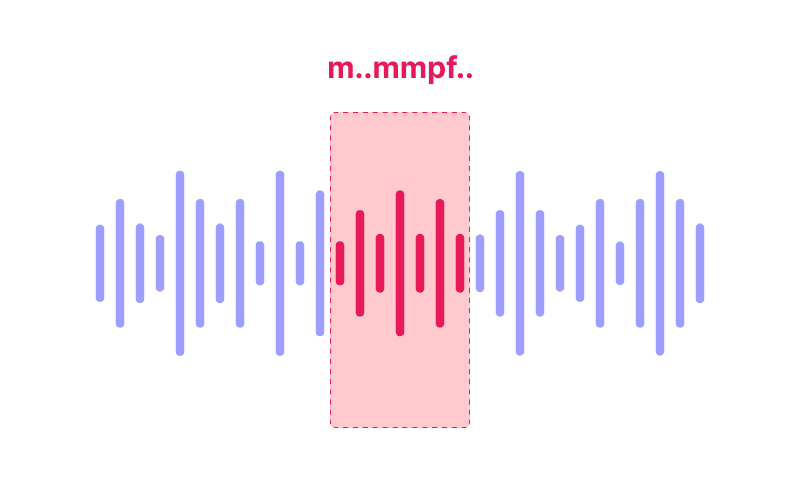
Công cụ loại bỏ từ lấp đầy bằng AI của Cleanvoice AI loại bỏ các từ như “um”, “uh” và các từ lấp đầy khác khỏi âm thanh và video, hỗ trợ hơn 20 ngôn ngữ.
Dùng thử mà không cần đăng ký.
Cleanvoice phát hiện và loại bỏ các âm lấp đầy như “um”, “ah”, v.v. trong nhiều ngôn ngữ như tiếng Đức hoặc tiếng Pháp
Thuật toán này cũng có thể xử lý các giọng nói đặc trưng từ các quốc gia khác như giọng Úc hoặc giọng Ailen.
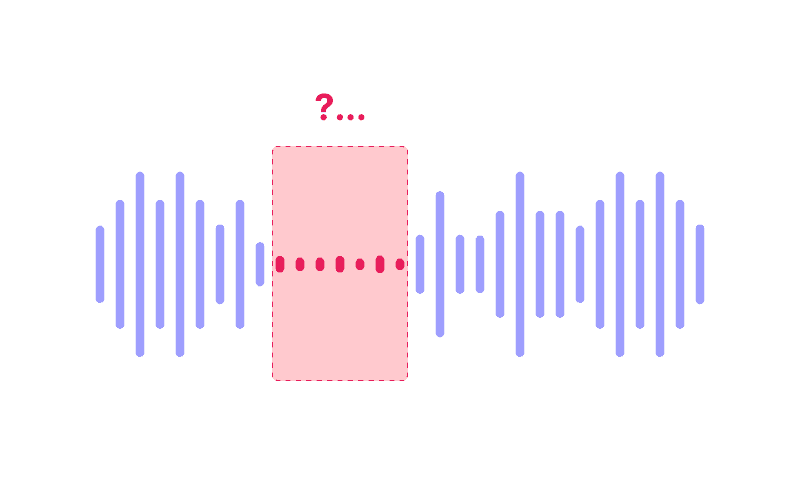
Việc loại bỏ các từ lấp đầy có thể khá phức tạp, vì chỉ cần loại bỏ chúng cũng có thể khiến bản ghi âm nghe không tự nhiên.
Trí tuệ nhân tạo (AI) của chúng tôi nhận diện bối cảnh của âm thanh và thêm khoảng im lặng (tiếng ồn phòng) để giúp dòng chảy của podcast trở nên tự nhiên hơn.
Loa của bạn nằm trên các bản ghi khác nhau?
Không sao cả. Cleanvoice cũng có thể chỉnh sửa các từ lấp đầy trên nhiều bản ghi, đồng thời giữ mọi thứ đồng bộ.
Không cần học thuật ngữ chỉnh sửa hay mất nhiều ngày làm quen giao diện.
Đơn giản ngay cả với người mới.


Also saved a ton of time using AI to do the audio edit, by using @cleanvoiceAI - it auto-removed over 700 pauses, umm, arrs and other noisiness... amazing time saver!
I'm a pastor who edits my own sermons for 30-minute radio spots. Cleanvoice has not only reduced background noise to professional-level quality, but made the editing process SO MUCH EASIER by removing the "umm's" and other stutters I tend to have.
This is the first time I've ever used an AI program for my audio, and I'm very happy with it. I will likely make some tweaks as to what I upload in the future, but overall, I'm very happy. This program will save me a so much time compared to doing it on my own.
10/10 would use again. It got rid of all the filler words for my podcast like "umm" in just a few minutes and saved me the work of having to painstakingly go through the audio to remove each one.
Working on another everything web scraping video and spent hours trying to clean up my audio, then tried out adobe's AI tool. Didn't work, it sounded too low bit rate and added extra constants to my voice. Tried out @cleanvoiceAI and it worked really well
In less than 1/5th time it takes just to listen to the audio, Cleanvoice has removed all the ums, ahs, lip noises, and converted the audio to my choice of mp3. I don't have to spend hours (with the hundreds of dollars in software / plugins) going through a few minutes of audio, creating backup copies before major changes, etc. I select the options and upload the audio file. Often it's complete in under 5min! Regardless, I can do what I want with all the extra time. This is such an amazing service - the best option is that Cleanvoice will silence rather than remove silences (so timecodes / video is not affected!!!)
@sethjkramer Recommend @cleanvoiceAI from @adrian_spataru as well - had the best transcription i've seen for my accent (Australian) + clean upped the sound, removed fillers etc. One of those products that just does what it says on the tin and does it well.