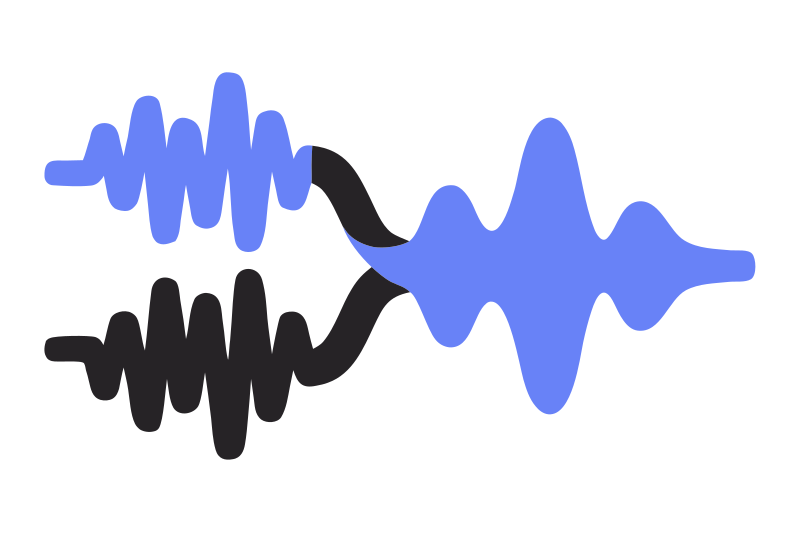
Mezcla de podcasts
Puedes integrar Cleanvoice en tu editor de audio favorito y tener más control sobre las ediciones.
Pruebe sin registrarse. No necesita tarjeta de crédito.
¿Quieres saber dónde se hicieron las ediciones? Con Cleanvoice puedes exportar marcadores para evaluar rápidamente la calidad de las ediciones.
¿Prefieres editar manualmente, pero quieres que Cleanvoice te ayude?
Puedes exportar la línea de tiempo en tu editor y dejar que Cleanvoice te muestre lo que le gustaría editar.
Así tendrás más control y ahorrarás tiempo durante la edición.

Working on another everything web scraping video and spent hours trying to clean up my audio, then tried out adobe's AI tool. Didn't work, it sounded too low bit rate and added extra constants to my voice. Tried out @cleanvoiceAI and it worked really well
Cleanvoice saves me a lot of time. I love the feature of getting timestamps for Reaper, so I can use non-destructive editing that fits in my workflow.
What I liked about cleanvoice? Fantastic result, yet so so so easy to use! And simple! And fast! My pain point was wideband electrical interference noice, which I still cannot believe what a PERFECT JOB Cleanvoice did! This result could not be achieved without ai, no matter how hard you would try, or what tools you would use, or how skilled you would be in audio - editing! Would I recommend you to a friend? Yes indeed, and you 're so great that I would also keep you a secret from my not-friends, lol! Thank you so much for helping out people like this, you are the cutting edge of audio noise removal, I am an electronic engineer by profession and as such I know when to say wow about technology! Best regards, LinkedIn: Alexis Valiakas.
@sethjkramer Recommend @cleanvoiceAI from @adrian_spataru as well - had the best transcription i've seen for my accent (Australian) + clean upped the sound, removed fillers etc. One of those products that just does what it says on the tin and does it well.
We found cleanvoice when we were looking for an audio provider for our platform. After head to head tests with Dolby and other ‘big players’, Cleanvoice was the clear winner. All of our users have raved about how good their audio sounds after using cleanvoice.
The audio cleaning was very effective and saved me a lot of time in my editing process! Would recommend!
Envíala y te responderá una persona de verdad.