Tim MalieckalBen LindbergHeather DonoghueMercedes

Loved by 15,000+ podcasters

Edit your podcast in 4 hours 10 mins. Automatically.

Remove background noise, filler words, long silence, and mouth sounds from your podcast using AI. Without hitting pause button every 10-20 seconds.

Try it for free

Clean up your audio or video podcast, in a few clicks.

Be a podcaster, not an editor.

Clean it for free

Without sign-up. No credit card needed.

“I have a job to do, but I love podcasting too”. Is that you?

Got a lot on your schedule and editing your podcast takes half of it?
Save 5x more time with Cleanvoice's AI podcast editing app.

Transcribe, summarize, and automate more things post-production

More than podcast cleaning. Without jumbling between tools.

Podcast Summary + Social Content

Generate podcast summary, without reading pages-long transcription and yawning.  
 
Highlight key points with show notes and chapter markers. Boost your podcast with social content.

Create Summary
Podcast Summary + Social Content

Podcast Transcription

Going insane over transcribing podcast word-by-word?  
 
Get error-free transcription in a click - no matter what your accent is. And download in multiple formats.

Generate Transcript
Podcast Transcription

Multitrack Editing

Got multiple guests in separate tracks?  
 
Simultaneously edit these files with our audio editor. And sync them into a single, uninterrupted podcast. Save time.

Multitrack Editing

Timeline Export

Export timelines of removed parts from your recording.  
 
Take a reference for manual editing. Or customize it in your editor.

Timeline Export

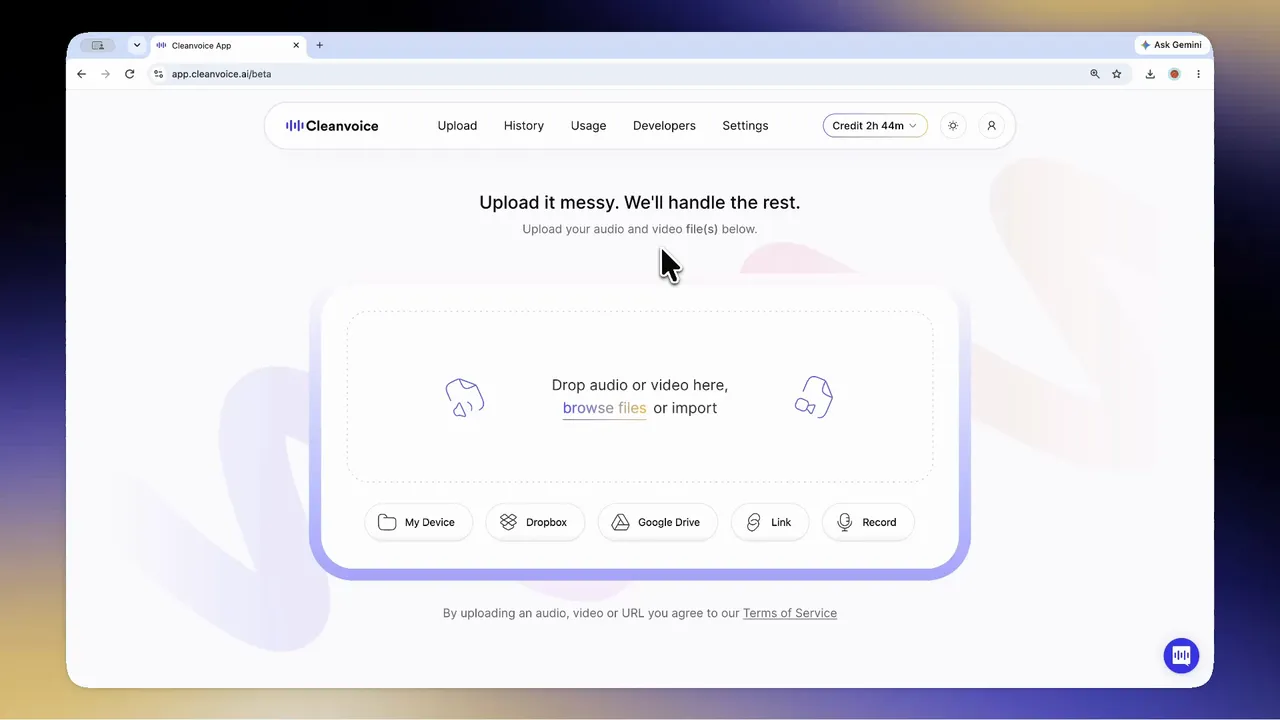
Edit Video or Audio. . Easy as 1-2-3

No need to learn editing jargon or take days to understand UI.
Simple for even first-time users.

Try Now
markup-cropped.svg
1

Drag and Drop Your Files

markup-cropped (1).svg
2

Sit Back and Let AI Do the Magic

markup-cropped (2).svg
3

Download Or Export Clean Files

30+ brands use Cleanvoice’s API. Be the next.

Need to edit podcasts or videos at scale for your company or project?

Set up our API in 5 clicks. And copy-paste code.

Setup API for Free
playground_preview (1).svg
What users have edited so far with our podcast editor
01

0

Seconds of Deadair Removed

02

0

Filler Words Removed

03

0

Mouth Sounds and Stutters Removed

Your Data Safety First

Compliance with GDPR. Data stored in EU. ISO 27001 Certified.

Compliance with GDPR. Data stored in EU. ISO 27001 Certified.
Stories of why 15k+ podcasters love Cleanvoice's video and audio editor

Frequently askedQuestions.

Ask Now
Who can use Cleanvoice?
Whether you are a podcaster, media agency, business, audio engineer, or video editor, you can use Cleanvoice's podcast editor.
Can I try Cleanvoice for free?
Yes, you can upload audio or video and try editing it for free.
Do you provide any free credits initially?
Yes. You get an additional 30 minutes of free credits once you sign up. Automate podcast editing, summarize your podcast, and try what more you can do with Cleanvoice. Before choosing a plan.
What formats do you support?
We support (almost) all audio and video formats. Including .wav, .mp3, .m4a, .flac, .mp4, and more.
Can I upload batch files?
Yes, we support batch uploading. You can upload more than one podcast episode simultaneously.
Does Cleanvoice also edit a voiceover?
Yes, our podcast editor also cleans your voiceover file.
What type of noise can you remove?
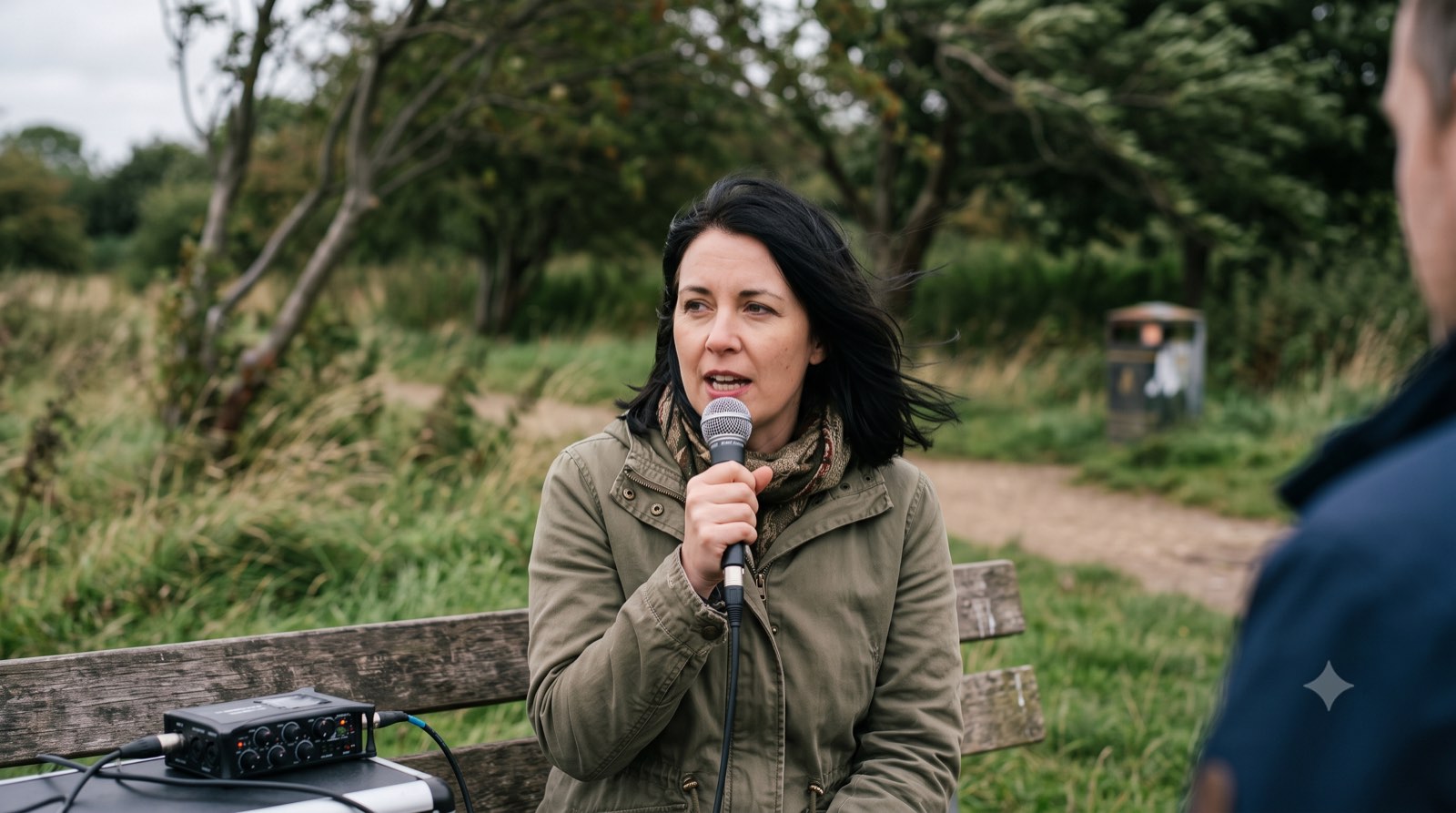
Our video and audio editor removes heavy background noise, wind noise, ambient noise, static and mic noise, buzz sounds, hiss, hum, puffs, and more. It can also remove echo, reverb, distortion, and more.
Can your audio editor improve the quality of my recording?
Yes, Cleanvoice’s audio enhancer sets up your tone, balances your voice level, removes echo, distortion, and more. And gives you a studio-quality sound.
Can I choose what edits I want to apply?
Yes. If you don’t want to apply all features or want only certain features to work, you can choose from a pre-made template(e.g. remove noise, keep music). Or you can select the features you need and create a custom template. E.g. If you only want to remove fillers and not stutters or background noise, you can deselect other features and select the filler words only.
What if I want to change the edits?
You can use Cleanvoice for rough cuts or edits as well. Once we clean your files, you can choose to export your results. Either you can export the timestamps or markers of edited parts. You can export them to your preferred editing tools like Audacity, Audition, Reaper, etc. And edit and customize manually. Works great for audio engineers or seasoned podcasters.
Can I mute edits instead of removing them?
Yes, you can. Either you can choose this configuration after uploading your podcast, or you can select our pre-saved template “Mute Edits”. It works great when you want to edit video and keep it in sync with your audio.
Do I need to transcribe my audio or video first and then edit it based on the transcription?
No, unlike other AI podcast editors, Cleanvoice doesn’t work based on the transcript-to-edit flow. You only need to upload your files and we will transcribe video or audio automatically. With accuracy.
What can I use Cleanvoice API for?
You can automate audio editing, video editing, audio enhancement or speech enhancement, and transcribing and summarizing your recording. You don't have to use multiple APIs for it. Just a single API call does it all.
Is there any usage limit to Cleanvoice API?
No, you can use Cleanvoice API without worrying about any hours-limit. It also doesn't restrict you to any file size. The pricing is also based on your usage or subscription and doesn't spike after a certain hours used.
How long do you save my files?
We store both your original and edited files for 7 days. After 7 days, we remove your files permanently.